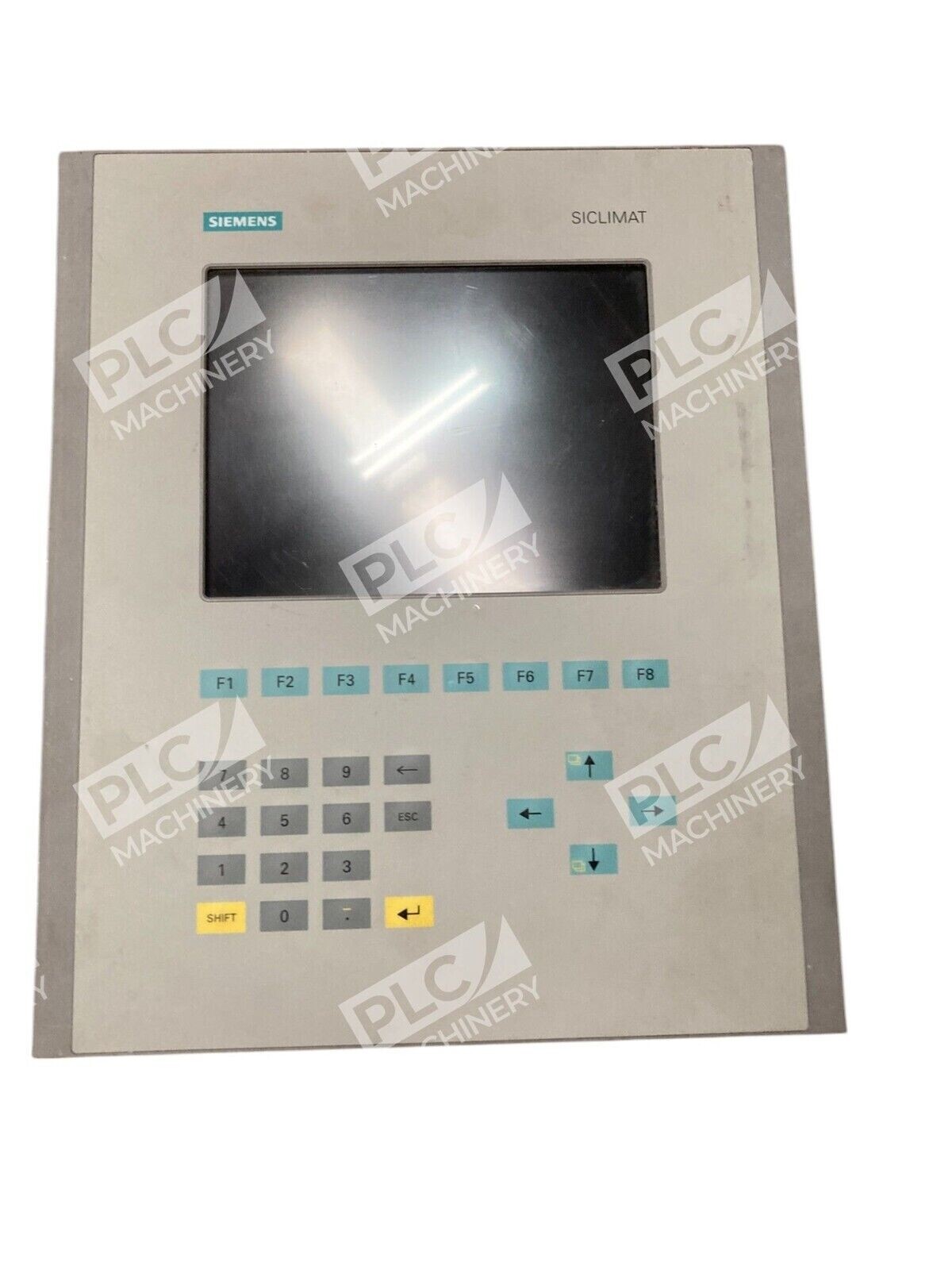


Overview
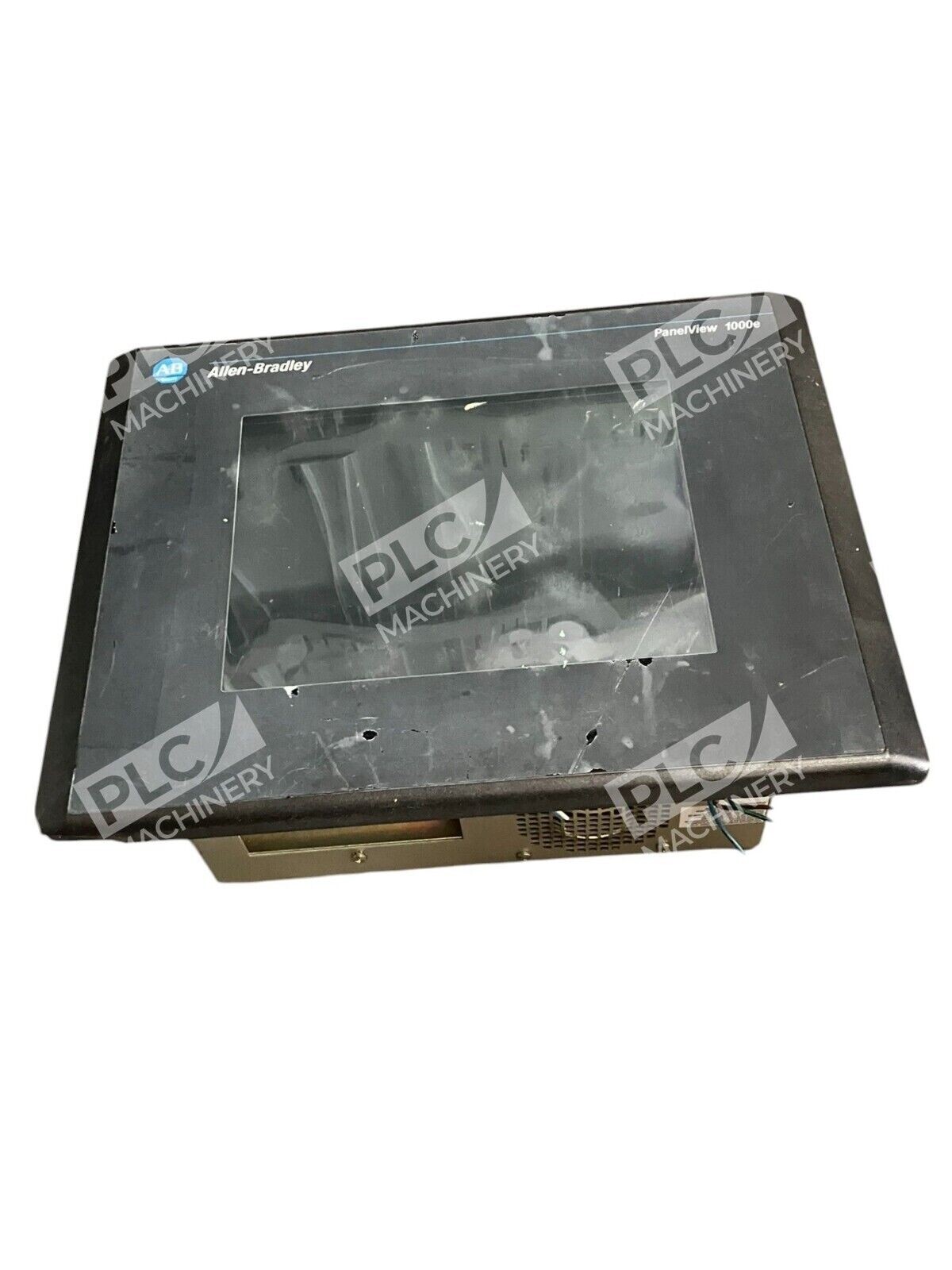
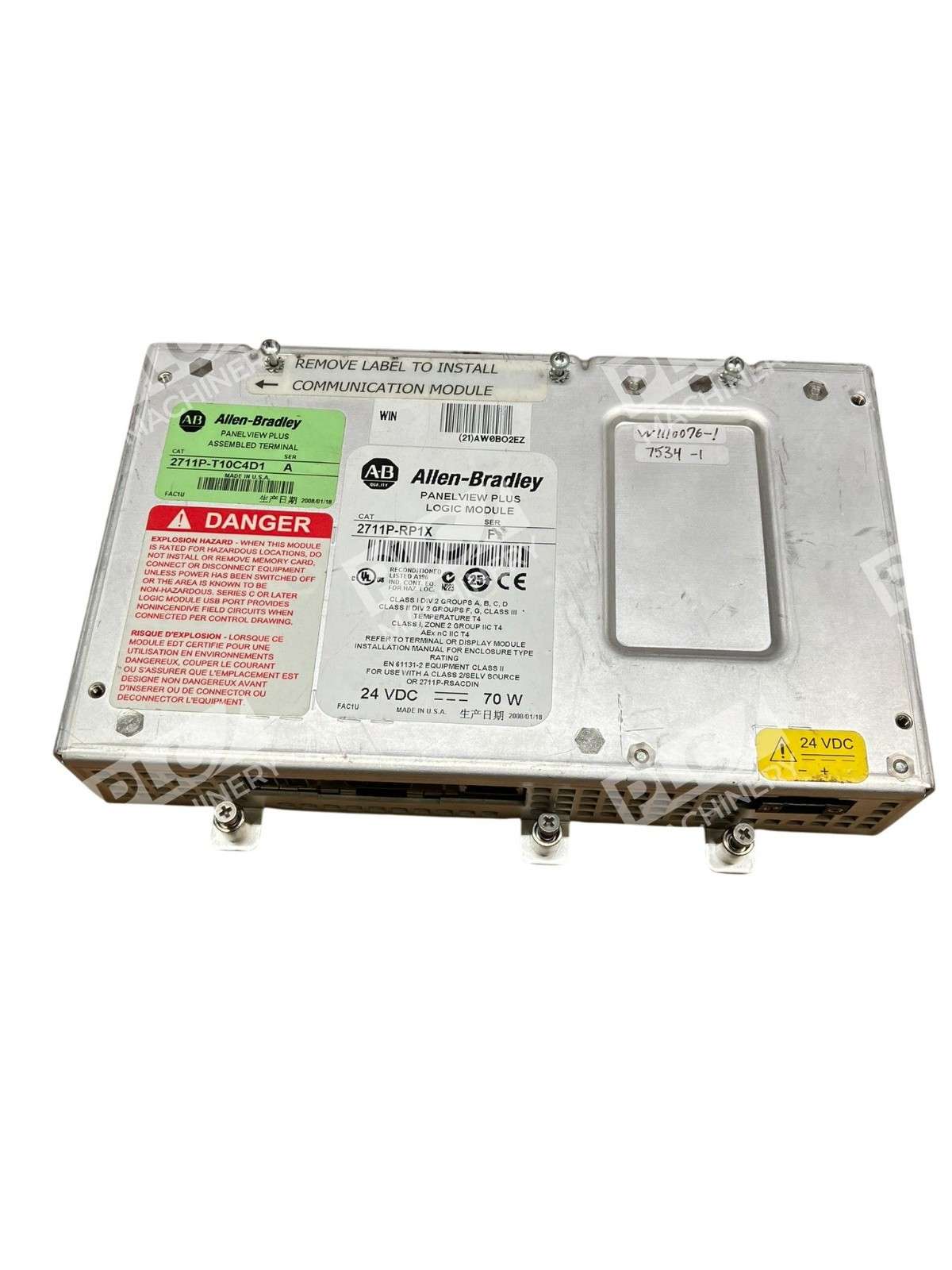
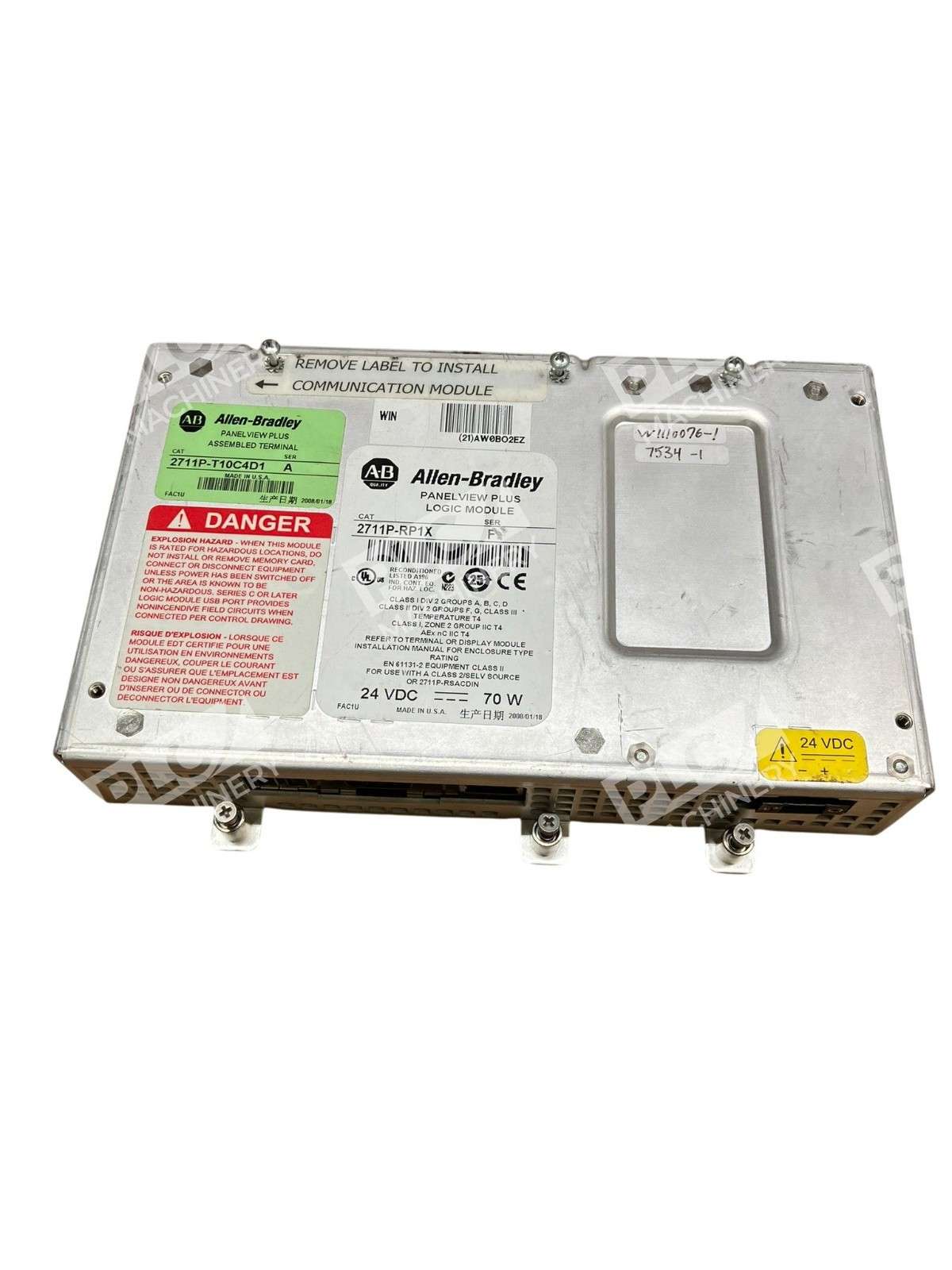
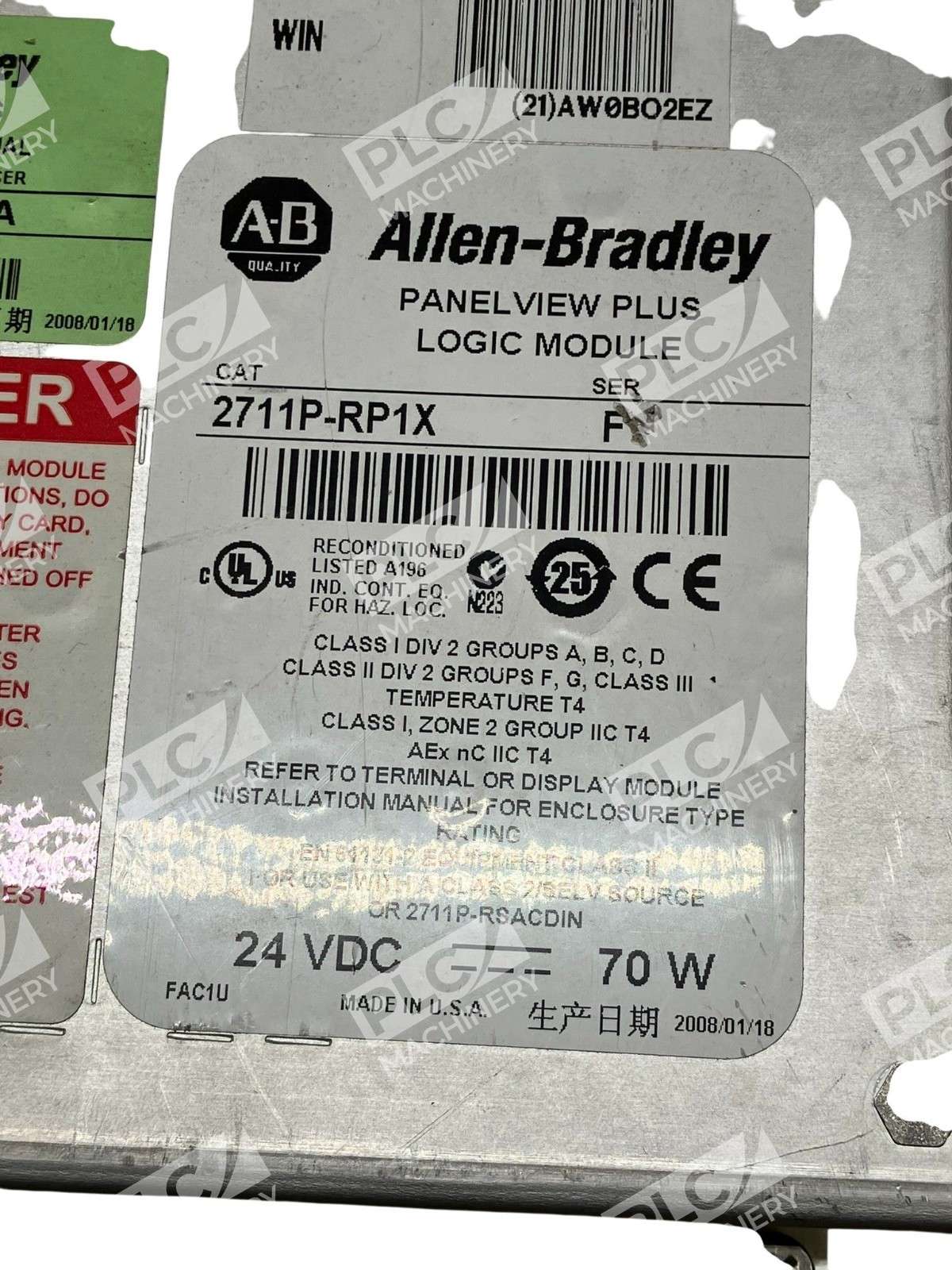
The Allen-Bradley 2711P-RP1X is a high-performance logic module designed for PanelView Plus operator terminal systems. This module serves as the processor and memory hub for PanelView Plus 700 to 1500 series display terminals, enabling complex automation and visualization tasks in manufacturing and process control environments.
Key Features
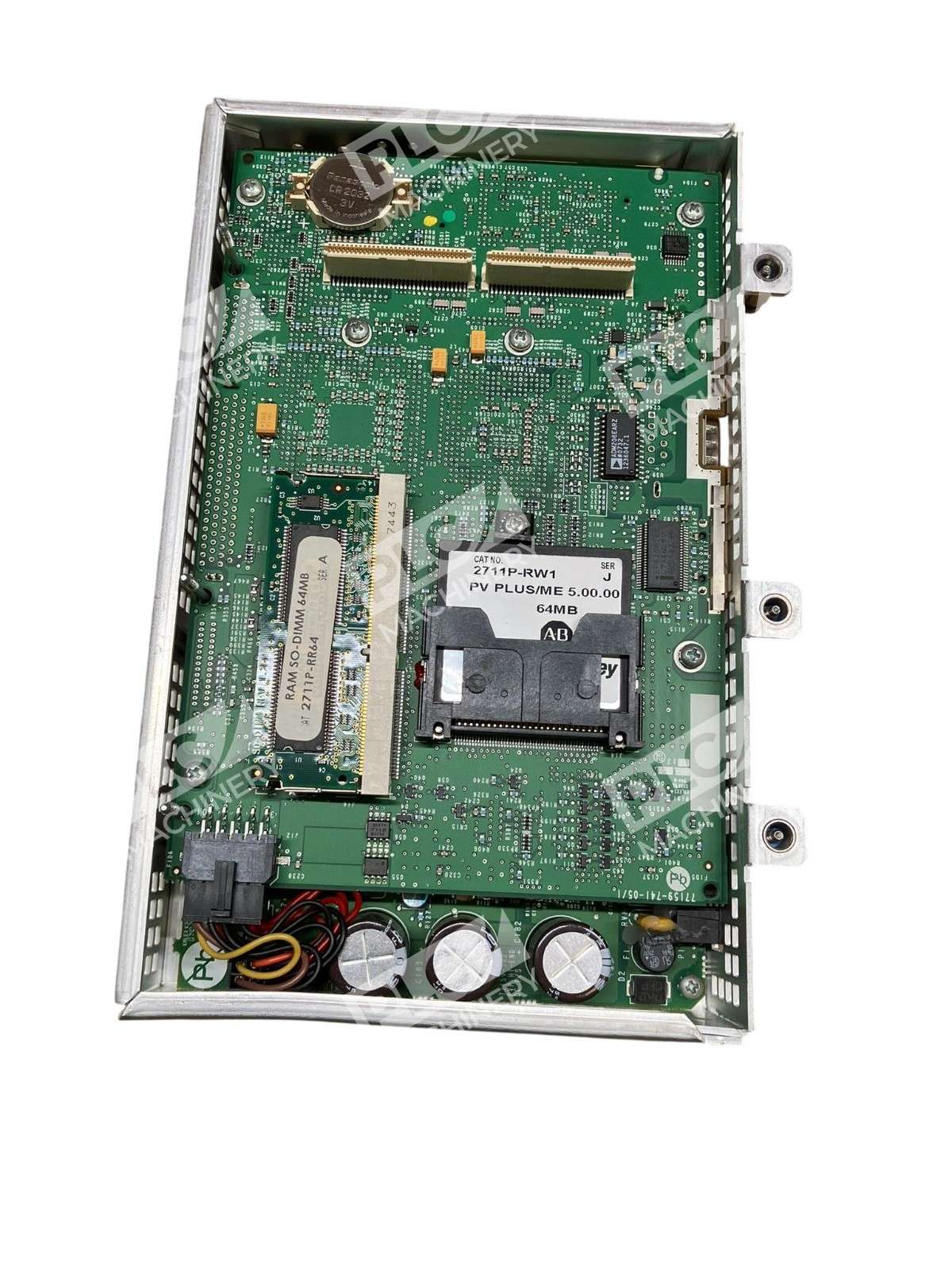
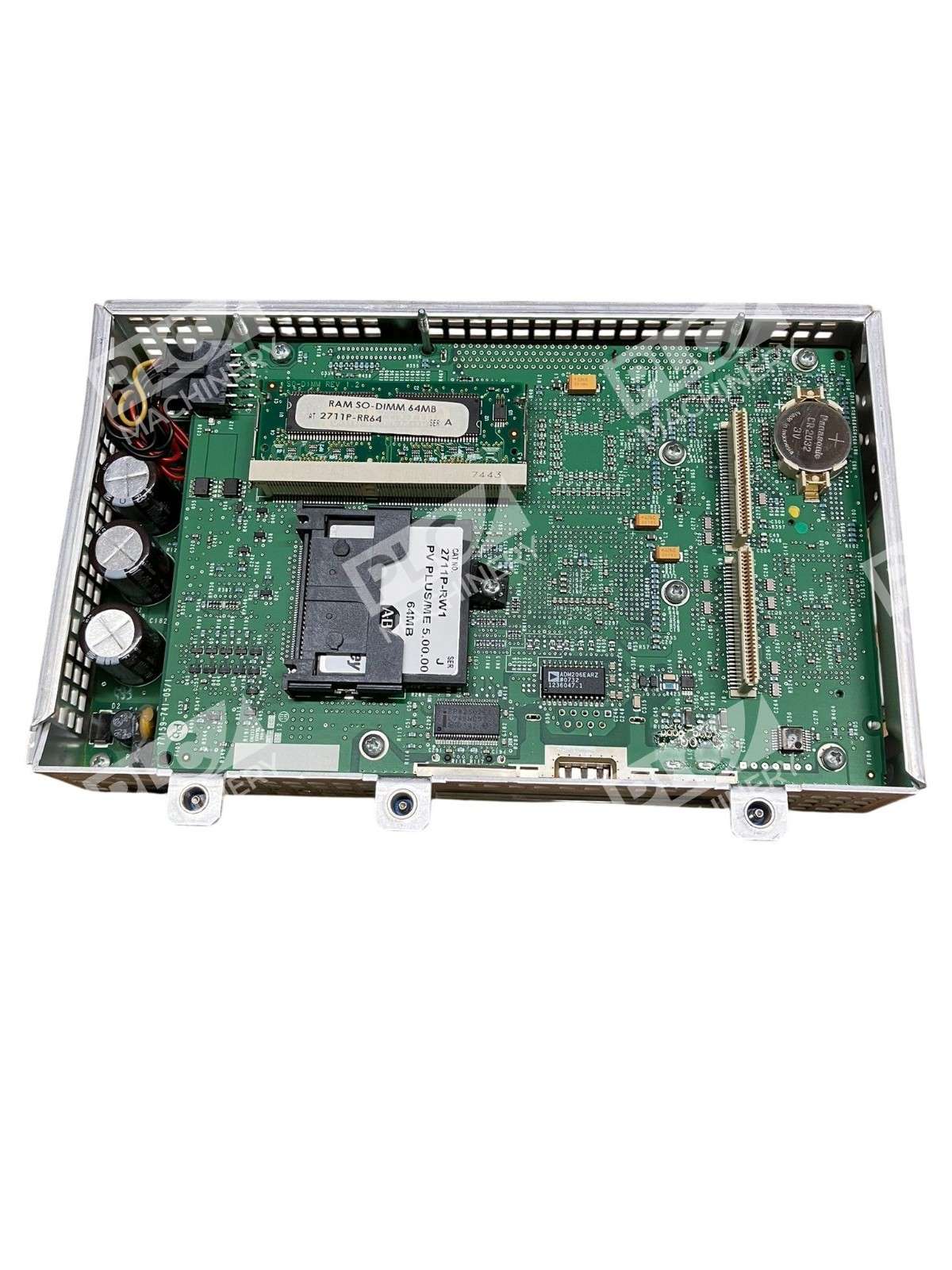
- 64 MB Flash / 64 MB RAM — Sufficient memory for standard applications storing configuration files, logs, recipes, and runtime data
- Multiple communication ports — Two USB ports, one RS-232 serial port, and one Ethernet port for robust connectivity
- CompactFlash Card Slot — Enables external data logging and file management without inserting cards while powered
- Built-in status indicators — Visual feedback for system diagnostics and troubleshooting
- PCI connector interface — Direct attachment to PanelView Plus display modules with secure 6-screw mounting
- FactoryTalk View ME compatible — Configurable for simple and complex industrial automation applications
Technical Specifications
- Power Supply: External 24VDC, 70 W
- Memory (RAM): 64 MB
- Non-volatile Memory (Flash): 64 MB
- Communication Ports: 1 Ethernet, 1 RS-232, 2 USB
- Expansion: 1 CompactFlash Card Slot, communication module socket
- Operating Temperature: 0 to 55°C (32 to 131°F)
- Connection Method: PCI interface, 6-screw mount
- Compatible Terminals: PanelView Plus 700, 1000, 1250, 1500
- Series: Series F
Typical Applications
- Food and beverage processing line control and visualization
- Pharmaceutical manufacturing HMI systems
- Water treatment and wastewater management operators
- Packaging and material handling plant displays
- Energy and utilities SCADA operator stations
- Replacement logic modules for existing PanelView Plus installations
Compatibility & Replacements
Compatible Display Modules: The 2711P-RP1X is designed as a replacement logic module for all PanelView Plus 700, 1000, 1250, and 1500 operator terminals. This module is NOT compatible with PanelView Plus 6 terminals, which require different processor architectures.
Proper installation requires removing the communication module (if present), disconnecting power to the display module, and securing the logic module with the provided mounting screws to the rear of the display unit. Static-sensitive handling precautions must be observed during installation.
This unit carries Series F designation. When replacing logic modules, always verify terminal model compatibility and firmware requirements through Rockwell Automation documentation before ordering.