



Overview
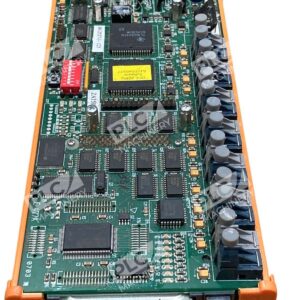
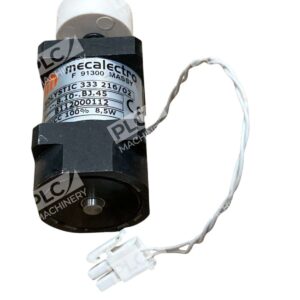
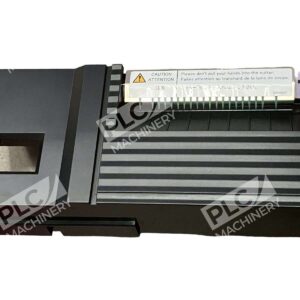
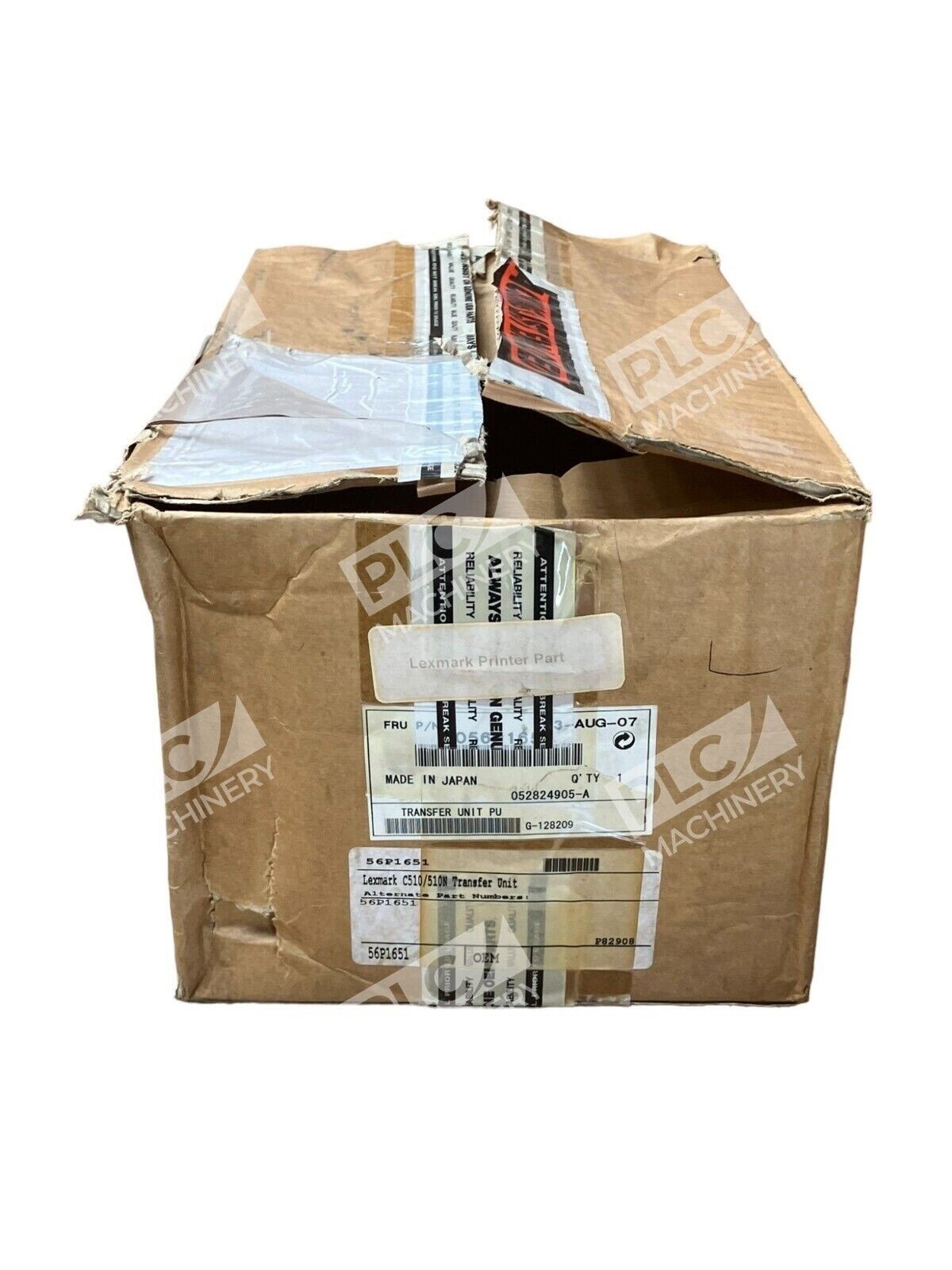
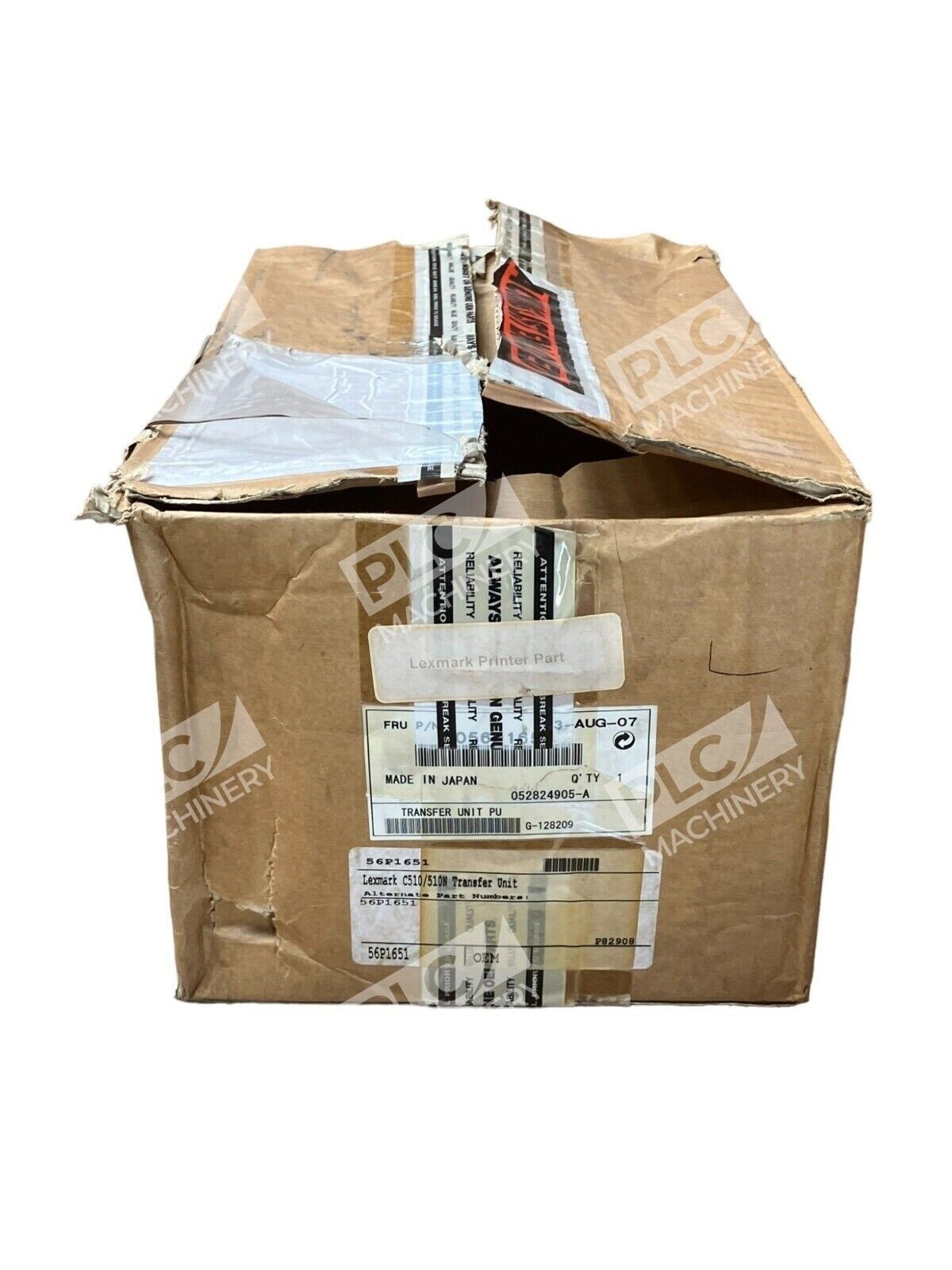
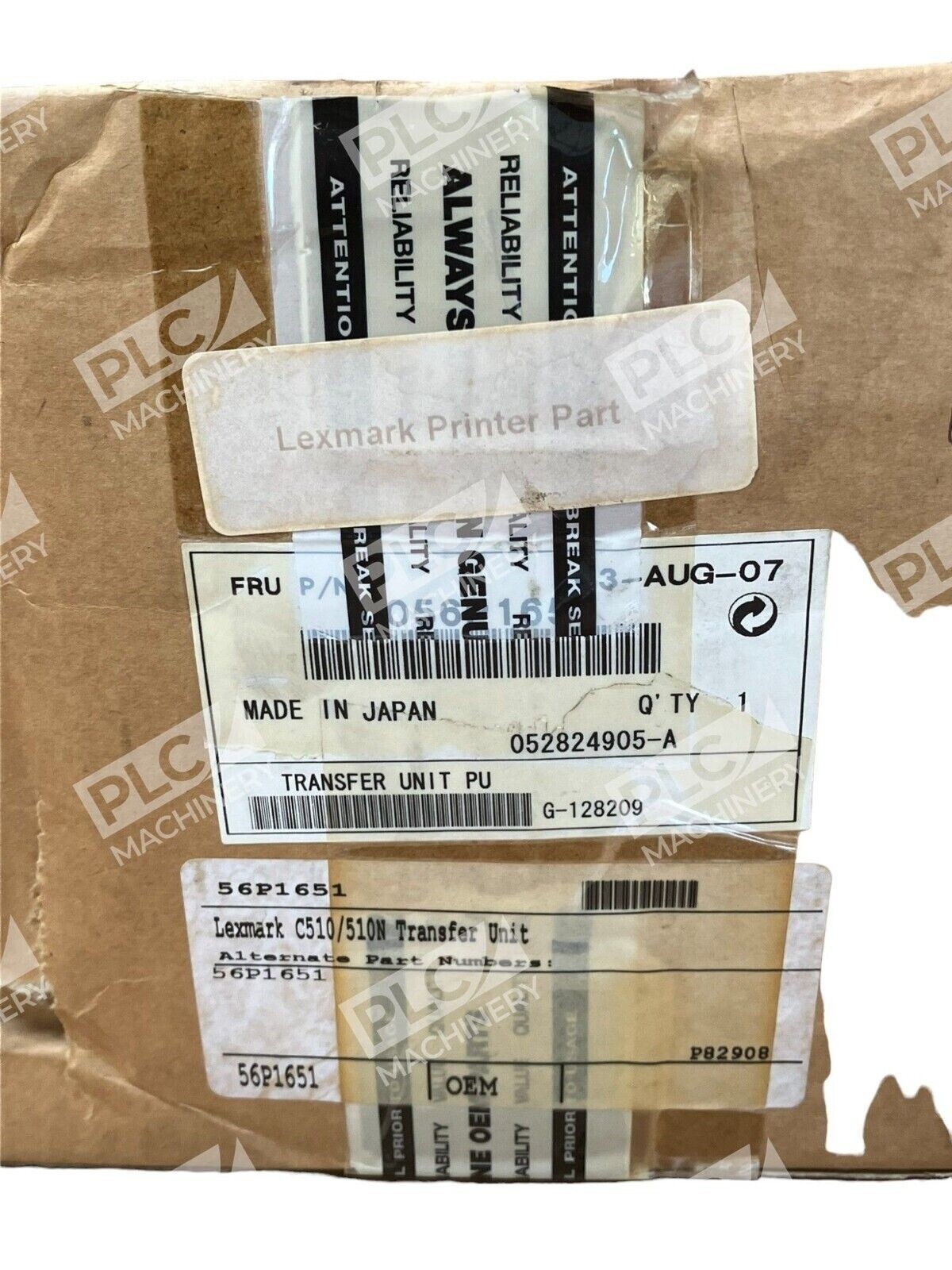
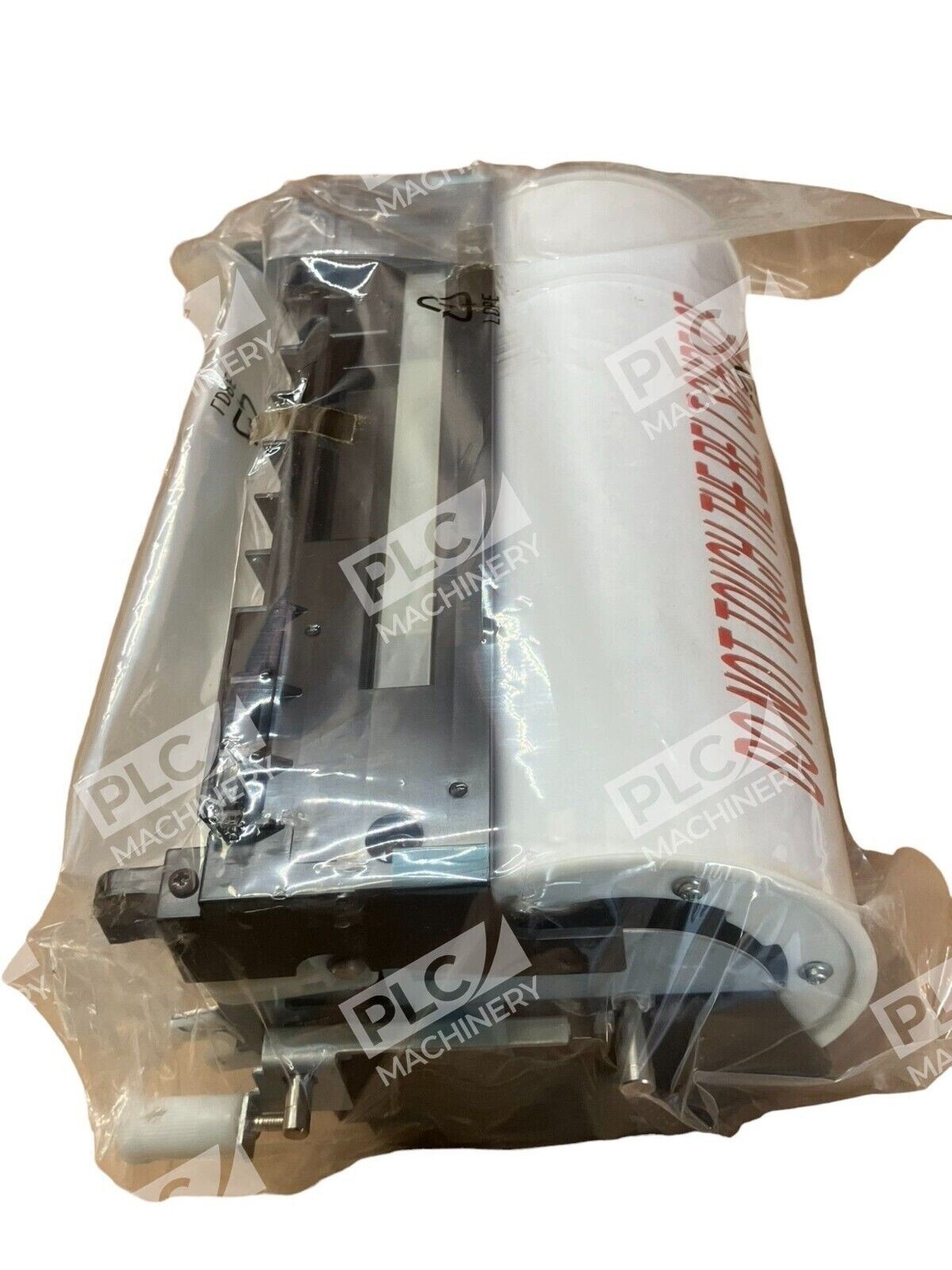
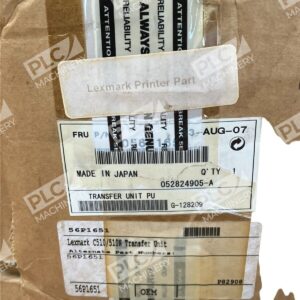
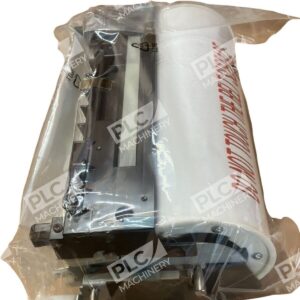
The Lexmark 56P1651 transfer unit is an original equipment manufacturer (OEM) component designed for Lexmark’s C510 series color laser printers. This transfer unit is critical for reliable color image transfer from the photoreceptor to the paper, ensuring consistent print quality and vibrant color output. The unit is supplied in new, factory-sealed condition and meets Lexmark’s original specifications.
Key Features
- OEM original equipment manufacturer part — Lexmark quality standard
- Compatible with C510, C510DN, C510N, and C510TN laser printers
- New in box — factory sealed and tested
- Ensures consistent color transfer and print fidelity
- Direct drop-in replacement — no modifications required
Technical Specifications
- Part Number: 56P1651
- Manufacturer: Lexmark International
- Product Type: Transfer Unit
- Condition: New in Box
- Compatible Series: Lexmark C510 color laser printer series
Typical Applications
The Lexmark 56P1651 transfer unit is used in high-volume color printing environments, including corporate offices, print shops, document imaging centers, and professional workgroups. It is essential for maintaining consistent output quality when using Lexmark C510 series printers for marketing materials, presentations, technical documents, and business communications requiring color fidelity.
Compatibility & Replacements
Compatible With
- Lexmark C510 color laser printer
- Lexmark C510DN color laser printer
- Lexmark C510N color laser printer
- Lexmark C510TN color laser printer
Replaces / Drop-In Replacement For
The 56P1651 is the standard transfer unit for all C510 series printer models. No alternate part numbers are required — this unit directly replaces the transfer unit in any C510, C510DN, C510N, or C510TN printer. Verify compatibility with your specific system before ordering.
Works With
This OEM transfer unit integrates seamlessly with Lexmark C510 series color laser printers and their associated supplies (toner cartridges, developer, fuser). It operates within Lexmark’s standard printing workflow and does not require special configuration or software settings.